Camera Moves prompt
Camera Move Shot List for a Short Film or Ad
Plan a full shot list where every shot has a named camera move, lens, timing and purpose, ready for filming or AI video generation.
The prompt
You are a director of photography. Create a shot list for: {{concept}}.

Total length: {{total_length}}.
Mood and pace: {{mood}}.
Production: {{production_method}}.

For each shot provide a table row with: shot number, duration (seconds), shot size (ECU, CU, MS, WS, EWS), camera move (static, push-in, pull-out, pan, tilt, truck, pedestal, dolly-zoom, orbit, crane, handheld, whip pan, tracking), speed (slow/medium/fast + ease), lens look (mm), subject action, purpose in the story, transition to the next shot (cut, match cut, whip, J-cut audio) and sound.

Rules:
- The running time must add up exactly to the total length.
- Vary shot sizes and moves; no two identical moves back to back unless it is a deliberate rhythm.
- Make camera speed follow the emotional curve: slower and steadier at the start and end, faster at the peak.
- Mark which shots are best filmed for real and which suit AI generation, and why.
- For every AI shot, write a ready-to-paste text-to-video prompt (subject, move, lens, light, duration, negative prompt).

End with a list of equipment or settings needed for the real shots (gimbal mode, shutter angle, frame rate for slow motion). Variables
| Variable | What to put | Example |
|---|---|---|
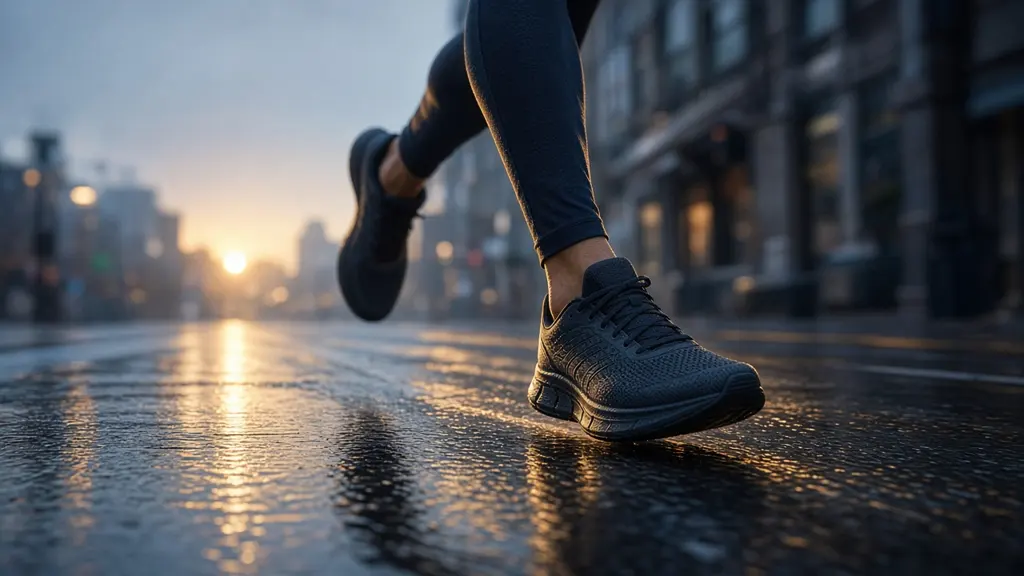
{{concept}} | Concept of the film or ad | A 30-second ad for a running shoe: city runner at dawn |
{{total_length}} | Total length | 30 seconds |
{{mood}} | Mood and pace | Determined, building energy, ends calm |
{{production_method}} | How it will be made | Mix of real filming on a gimbal and AI-generated shots |
Tips
- Ask for an animatic version: one still-image prompt per shot to preview the sequence before filming.
- Keep AI shots to inserts and atmosphere; faces and hands holding products are still easier to film for real.
Related prompts
- 180° Orbit Shot Around a SubjectCreate a smooth arc or orbit move around a person or object, keeping the subject centred and consistent across the whole move.
- Crane-up Reveal Establishing ShotOpen a video with a crane or drone rise that starts on a detail and reveals the wider location, with timing and framing set.
- Slow Push-in Hero Shot (Text-to-Video)Generate a cinematic slow dolly push-in on a product or subject, with lens, light, speed and start and end frames specified.