Video Editing prompt
Colour Grade Look Recipe
Get a step-by-step colour-grading recipe for a specific look in DaVinci Resolve or Premiere, with node order and starting values.
The prompt
Act as a professional colourist teaching a capable editor. Give me a grading recipe for this look: {{look_description}}.

Footage: {{footage}}.
Software: {{software}}.

Provide:
1. Colour management: the correct input colour space and gamma for this camera and log profile, timeline space and output (Rec.709 Gamma 2.4 for web unless I say otherwise).
2. Node tree (or Lumetri panel order): each node's purpose, in order — balance, exposure, contrast curve, saturation, the look (split-tone, hue vs hue, film density), skin-tone protection, vignette, grain, output.
3. Starting values for every adjustment (e.g. lift, gamma, gain, offset wheel offsets, curve points, saturation percentages), clearly marked as starting points to adjust by eye.
4. Skin tones: how to keep them on the skin-tone line using the vectorscope while the rest of the image shifts warm.
5. Shot matching: how to match the other shots to the hero shot.
6. Common mistakes for this look and how to spot them on scopes (crushed blacks, colour cast in whites, oversaturated reds).
7. A way to save it as a reusable look (PowerGrade, LUT export) and when not to rely on a LUT. Variables
| Variable | What to put | Example |
|---|---|---|
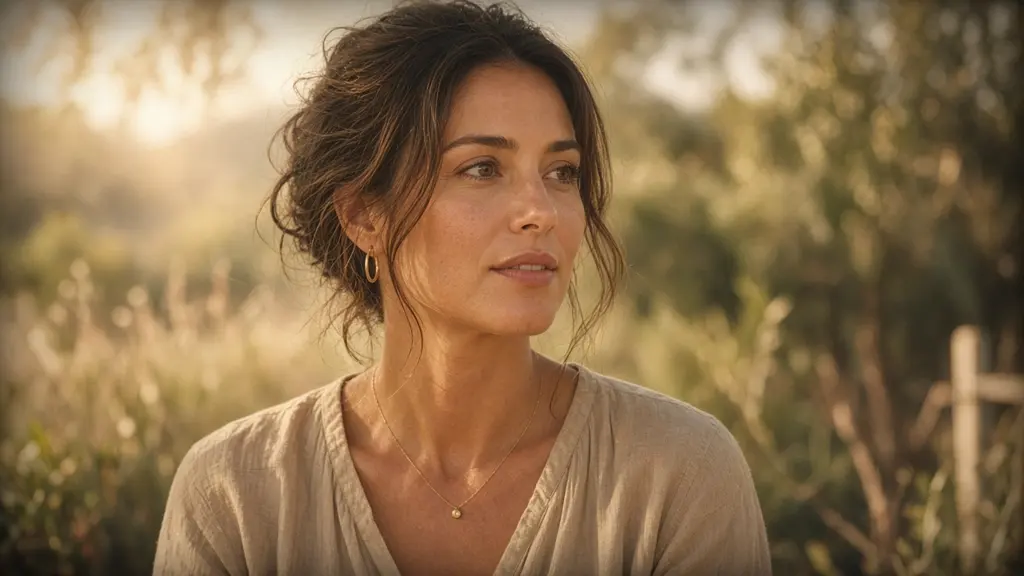
{{look_description}} | The look you want | Warm, soft, slightly faded, like a summer memory |
{{footage}} | What you shot and on what camera | Outdoor interviews on a Sony a7 IV in S-Log3 |
{{software}} | Editing software | DaVinci Resolve 19 |
Tips
- Grade on a calibrated display, or at least check on a phone screen before you export.
- Exact values depend on exposure; treat the numbers as a starting point and trust the scopes.
Related prompts
- Edit Plan from a Raw TranscriptTurn a long interview or talking-head transcript into a tight edit plan: selects with timecodes, story order, b-roll and caption notes.
- Long Video to Short-form Clips PlanFind the best moments in a podcast or webinar and plan vertical clips with hooks, captions, reframing and posting order.
- YouTube Video Script & Edit StructureWrite a retention-focused YouTube script with a hook, chapters, pattern interrupts, b-roll cues and an end screen plan.