Video Editing prompt
YouTube Video Script & Edit Structure
Write a retention-focused YouTube script with a hook, chapters, pattern interrupts, b-roll cues and an end screen plan.
The prompt
You are a YouTube scriptwriter and editor who focuses on audience retention. Write a script for a video on: {{topic}}.

Channel style: {{channel_style}}.
Length: {{video_length}}.
Viewer: {{viewer}}.

Structure:
1. Hook (0:00–0:20): show the result or the problem first, state exactly what the viewer will be able to do by the end, no channel intro.
2. Chapters: 4–6 chapters with timestamps and titles that work as YouTube chapter markers.
3. Script: two columns (as a table): left = what is said, right = what is on screen (A-roll, b-roll shot, close-up, text overlay, graphic). Mark a pattern interrupt (angle change, b-roll, graphic or question) at least every 30–45 seconds.
4. Common mistakes segment: the 3 mistakes viewers are most likely making, shown not just told.
5. Recap and call to action: 20 seconds max, pointing to one related video, not a list.
6. End screen plan: last 15 seconds, what is on screen.

Also deliver: 5 title options under 60 characters, a thumbnail concept (subject, expression, 3–4 word text, colour contrast), and a description with chapters.

Facts: only include advice that is widely accepted; flag anything that should be checked by an expert. Variables
| Variable | What to put | Example |
|---|---|---|
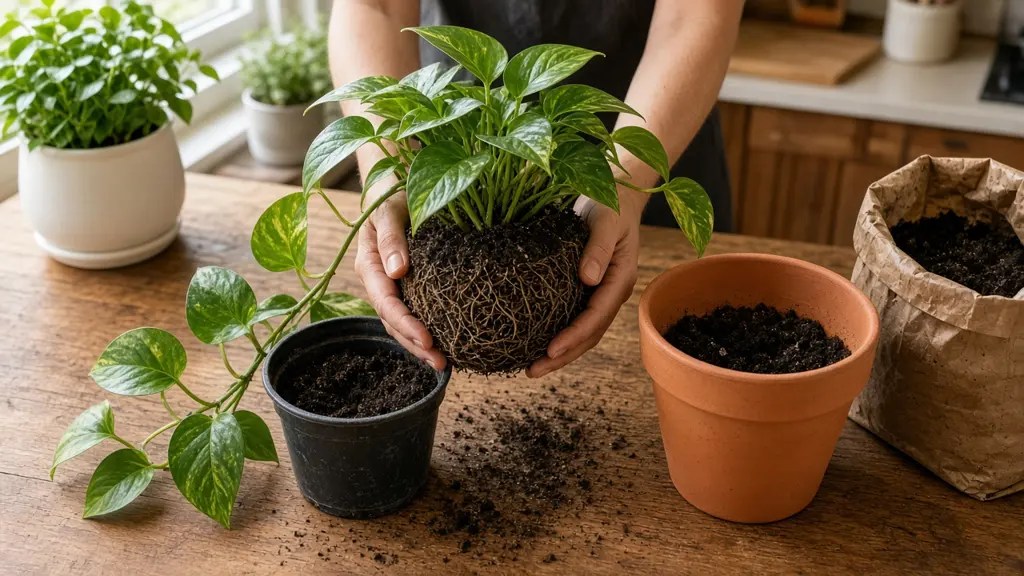
{{topic}} | The video topic | How to repot a houseplant without killing it |
{{channel_style}} | Channel style and presenter | Friendly, hands-on, filmed at a kitchen table |
{{video_length}} | Target length | 8–10 minutes |
{{viewer}} | Who watches | Beginners who own 1–5 plants |
Tips
- Film the b-roll list from the right column in one session; it is faster than shooting per section.
- Test two thumbnails if your channel has access to thumbnail A/B testing.
Related prompts
- Edit Plan from a Raw TranscriptTurn a long interview or talking-head transcript into a tight edit plan: selects with timecodes, story order, b-roll and caption notes.
- Colour Grade Look RecipeGet a step-by-step colour-grading recipe for a specific look in DaVinci Resolve or Premiere, with node order and starting values.
- Long Video to Short-form Clips PlanFind the best moments in a podcast or webinar and plan vertical clips with hooks, captions, reframing and posting order.