Visual Effects prompt
Animated Mesh Gradient Background (CSS)
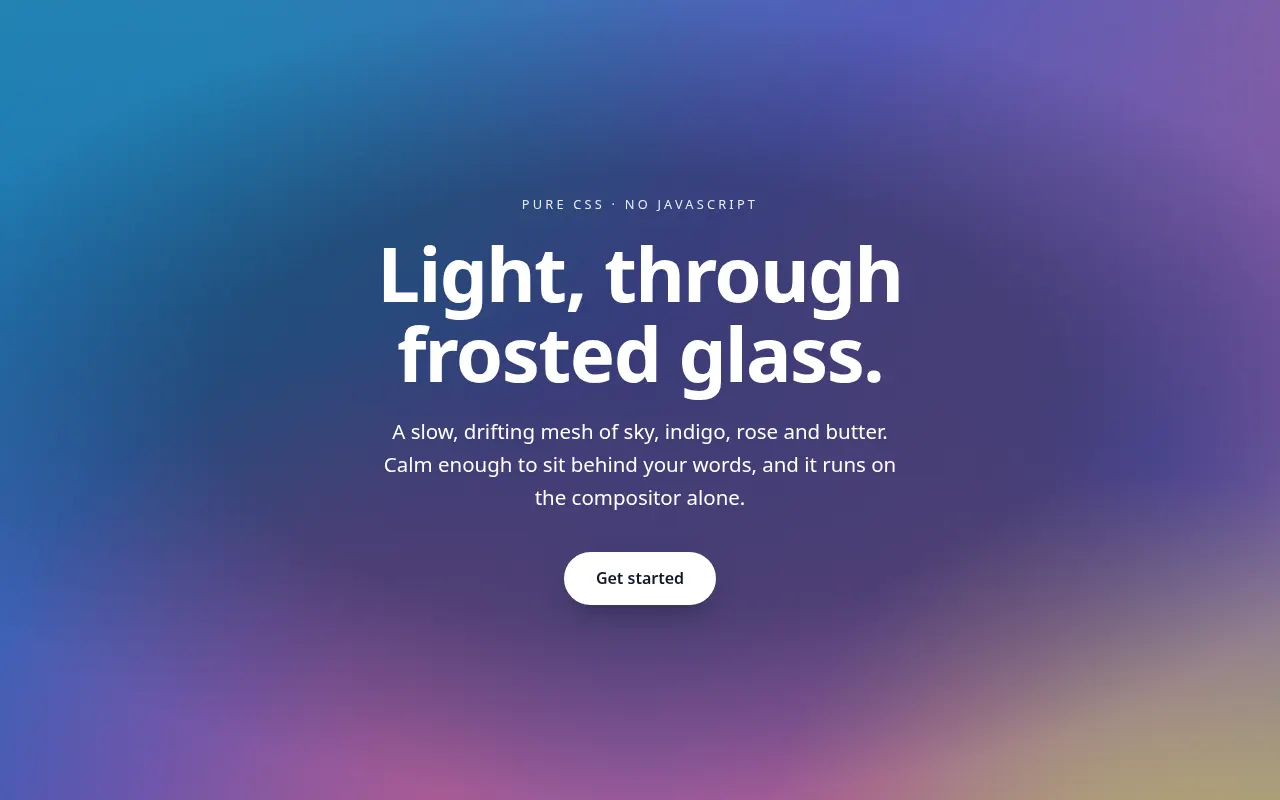
Get a soft, slowly shifting mesh-gradient hero background in pure CSS, with a static fallback, a performance budget and reduced-motion support.
The prompt
You are a creative front-end developer. Write a pure CSS (no JavaScript, no images, no libraries) animated mesh-gradient background.

Colours: {{colours}}.
Mood: {{mood}}.
Size: {{section_height}}.
Content on top: {{foreground}}.

Requirements:
1. Build the mesh from 3–5 large, blurred radial-gradient layers or pseudo-elements, each drifting slowly on its own path so the pattern never visibly repeats within 20 seconds.
2. Animate only transform and opacity (or background-position on a single layer) so it stays on the compositor. Target 60fps on a mid-range phone; no filter: blur() on large animated layers if it can be avoided — explain the trade-off if you use it.
3. Add a subtle noise/grain overlay using an inline SVG feTurbulence data URI at 4–6% opacity to prevent colour banding.
4. Guarantee text legibility: add a scrim or adjust the colour stops so the foreground text keeps at least 4.5:1 contrast at every point of the animation. State which colour you measured against.
5. Respect prefers-reduced-motion: show a static version of the same gradient.
6. Provide a fallback for browsers without support for any modern feature you use (e.g. @property).

Output: the HTML structure, the full CSS with comments, and a short list of the three values to tweak for speed, softness and saturation. Variables
| Variable | What to put | Example |
|---|---|---|
{{colours}} | Three to five hex colours for the gradient | #0EA5E9, #6366F1, #F472B6, #FDE68A |
{{mood}} | How it should feel | dreamy and calm, like light through frosted glass |
{{section_height}} | Height of the area it covers | 100vh hero, 640px minimum |
{{foreground}} | What sits on top of it | White headline, subhead and a button |
Tips
- Light text on a moving gradient is the main risk; check contrast against the lightest colour in the set, not the average.
- If the animation feels busy, double every duration before changing anything else.
- Ask for a variant using CSS @property to animate colour stops smoothly in browsers that support it.
Related prompts
- Accessible Glassmorphism Card EffectCreate a frosted-glass card that stays readable on any background, with backdrop blur, border highlight, fallbacks and contrast checks.
- WebGL Particle Hero with Three.jsBuild an interactive particle field hero section in Three.js that reacts to the cursor, with a strict performance budget and a no-WebGL fallback.
- Button States & Micro-interactions SpecSpecify every state of a button set (primary, secondary, ghost, destructive) with exact colours, timings, focus rings and loading behaviour.
- Design System Tokens from a Brand BriefTurn a short brand description into a full set of design tokens (colour, type, spacing, radius, shadow, motion) as JSON and CSS custom properties.